

- ×
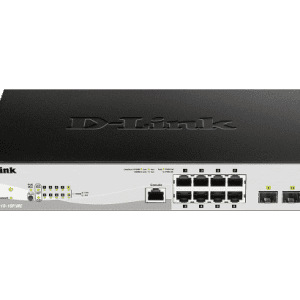 D-Link DGS-1210-10P 10-Port Web Smart Gigabit PoE Ethernet Switch 1 × KSh 17,000.00
 - ×
 Ubiquiti Dream Machine Special Edition (UDM-SE) 1 × KSh 95,000.00
 - × D-link DMC-300MSC-2 Port 100Base-TX to 100Base-FX Multi-mode Fiber (SC) Media Converter 1 × KSh 5,500.00
- × Ubiquiti airMAX Powerbeam AC Gen2 PBE-5AC-Gen2 1 × KSh 19,000.00
- × Ubiquiti UniFi USW-Pro-8-PoE 1 × KSh 54,000.00
- ×
 Huawei eKit Access Controller AC650-128AP 1 × KSh 118,000.00
 - × Cisco Catalyst 1300 24-Port PoE Switch 4x10G SFP+ 1 × KSh 169,000.00
- × Ubiquiti Dream Machine Pro Max (UDM-Pro-Max) 1 × KSh 108,000.00
- × Ubiquiti PowerBeam PBE-M5-400 1 × KSh 13,999.00
- × Ubiquiti UniFi 24-Port PoE Switch (USW-24-POE) 1 × KSh 70,000.00
- ×
 Cisco SG300-10SFP-K9 10-Port Gigabit Managed SFP Switch 1 × KSh 48,000.00
 - ×
 Cisco SG100-24 Small Business 100 Series 24-Port Gigabit Switch 1 × KSh 33,000.00
 - × Ubiquiti UniFi 48 Port PoE Pro Switch (USW-Pro-48-POE) 1 × KSh 189,000.00
- × Cisco Business CBS350-48P-4G Managed Switch 1 × KSh 207,000.00
- × Cisco WS-C3750-48PS-S Catalyst 3750 48-Port POE Switch 1 × KSh 145,000.00
- × Ubiquiti Networks PBE-5AC-500 PowerBeam ac 1 × KSh 29,000.00
- × Ubiquiti USW-Pro-Max-24-PoE 24-Port PoE Switch 1 × KSh 135,000.00
- × Huawei – AC650-256AP Access Controller 1 × KSh 160,000.00
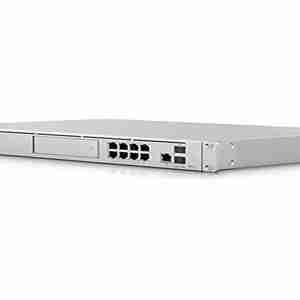 Ubiquiti Dream Machine Special Edition (UDM-SE)
  D-link DMC-300MSC-2 Port 100Base-TX to 100Base-FX Multi-mode Fiber (SC) Media Converter
  Ubiquiti airMAX Powerbeam AC Gen2 PBE-5AC-Gen2
  Ubiquiti UniFi USW-Pro-8-PoE
  Huawei eKit Access Controller AC650-128AP
 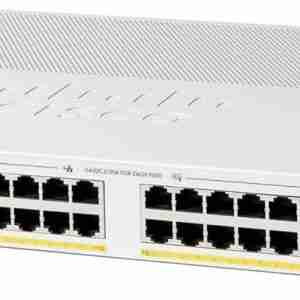 Cisco Catalyst 1300 24-Port PoE Switch 4x10G SFP+
  Ubiquiti Dream Machine Pro Max (UDM-Pro-Max)
 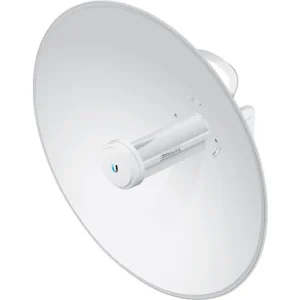 Ubiquiti PowerBeam PBE-M5-400
 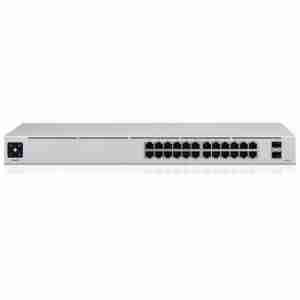 Ubiquiti UniFi 24-Port PoE Switch (USW-24-POE)
  Cisco SG300-10SFP-K9 10-Port Gigabit Managed SFP Switch
 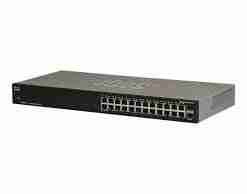 Cisco SG100-24 Small Business 100 Series 24-Port Gigabit Switch
 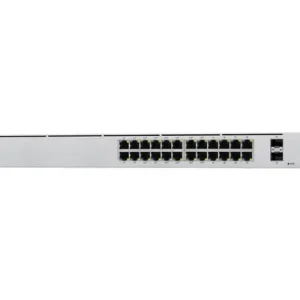 Ubiquiti UniFi 48 Port PoE Pro Switch (USW-Pro-48-POE)
 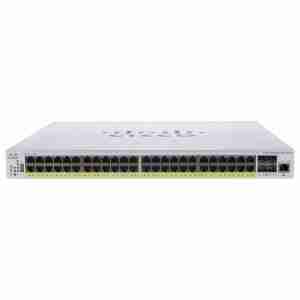 Cisco Business CBS350-48P-4G Managed Switch
 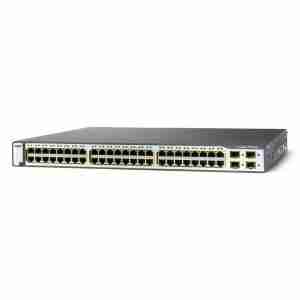 Cisco WS-C3750-48PS-S Catalyst 3750 48-Port POE Switch
 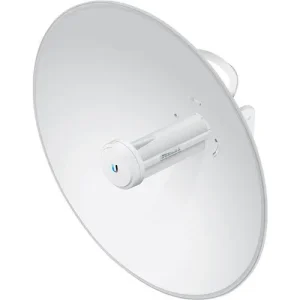 Ubiquiti Networks PBE-5AC-500 PowerBeam ac
 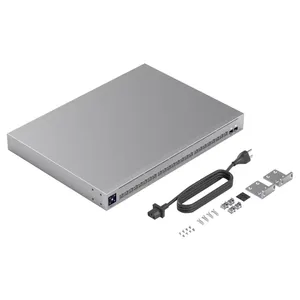 Ubiquiti USW-Pro-Max-24-PoE 24-Port PoE Switch
 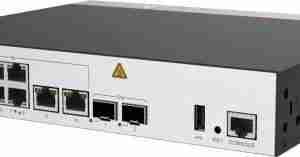 Huawei – AC650-256AP Access Controller
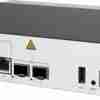


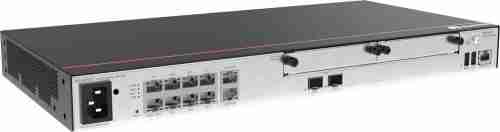





Huawei eKit Access Router AR720
KSh 200,000.00 Exc. Tax
Huawei eKit Access Router AR720
- Integrated firewall with IPS, URL filtering and VPN
- Integrated switch
- 2 module slots for optional expansion (various LAN, WAN and LTE interface cards), hot swap
- Supports maximum 700 devices, bandwidth: 4 Gbps
- 2x GE Combo WAN, 8x GE 10/100/1000 Base-T Ports LAN
- 19 inch assembly
Genuine product Secure checkout Warranty and order support
Huawei eKit Access Router AR720
| Item | Details |
|---|---|
| Description | AR720, 2*GE combo WAN, 8*GE LAN, 2*USB 2.0, 2*SIC |
| Part Number | 02354GBG-001 |
| Model | AR720 |
| First supported version | V300R022C00 |
| Supported Patch Version | If you want to downgrade a device running V300R022C10SPC100 or a later version to V300R019C10SPC600, V300R019C13SPC200, or V300R021C00SPC200 after the component upgrade, downgrade the device to V300R022C00SPC100 first. If you want to downgrade a device to a version earlier than V300R022C00SPC100 after the component upgrade, set the patch for next startup to the start patch of the target version or a later patch. (The start patch of V300R019C10SPC600 is V300R019SPH380; the start patch of V300R019C13SPC200 is V300R019SPH380; the start patch of V300R021C00SPC200 is V300R021SPH180.) |
| Remarks | When configuring cards, ensure that the total power of the configured cards does not exceed 37 W or contact technical support engineers to obtain more suggestions. |
Appearance
Figure 2-2 Appearance of the AR720


Components
Figure 2-3 Components of the AR720

1. Product model silkscreen | 2. LAN interfaces: eight GE electrical interfaces | 3. Two SIC slots |
4. Ground point | 5. AC power jack | 6. Jack for power cable locking strap NOTE: Insert a power cable locking strap in this jack to secure the power cable. |
7. RESET button NOTE: This button is used to reset the router.
Resetting the router will interrupt services. Exercise caution when deciding to press this button. | 8. WAN interfaces: two GE combo interfaces | 9. USB interface 2.0 (host) |
10. USB interface 2.0 (host) | 11. Console interface | – |
Slot Layout
Figure 2-4 Slot Layout of the AR720

Table 2-4 Slots on the AR720
| Slot Type | Slot ID | Slot Direction | Remarks |
|---|---|---|---|
| SIC | 1 | Transverse | Slot 1 and slot 2 are combined into new slot 2 (WSIC). |
| SIC | 2 | Transverse | Slot 1 and slot 2 are combined into new slot 2 (WSIC). |
Ports
Table 2-5 Ports on the AR720
| Port | Connector Type | Description | Available Components |
|---|---|---|---|
| Console interface | RJ45 | The console interface can connect to an operation terminal for onsite configuration.
| |
| LAN interfaces: eight GE electrical interfaces | RJ45 | A GE electrical interface (10/100/1000 Mbit/s auto-sensing) transmits and receives services at 10 Mbit/s, 100 Mbit/s, or 1000 Mbit/s.
NOTE: GE0 is a management interface and is used for web-based management and email-based deployment. All LAN-side GE interfaces can be configured as WAN-side interfaces. | |
| WAN interfaces: two GE combo interfaces | GE electrical interface: RJ45 GE optical port: LC/PC | A GE combo interface consists of an optical Ethernet interface and an electrical Ethernet interface on the panel. The two interfaces have only one internal forwarding interface. The electrical and optical interfaces are multiplexed, and only either of them can work at a time. When either of the Ethernet interfaces is working, the other interface is shut down.
NOTE: By default, a combo interface works in auto mode and automatically works as an optical or electrical interface. |
The following optical modules are supported: |
| USB 2.0 ports (Host): two USB 2.0 ports | USB 2.0 Type A | A USB 2.0 interface provides up to 480 Mbit/s upload and download rates.
| USB 2.0-compliant USB flash drive |
Indicators and Buttons
Figure 2-5 Indicators and buttons on the AR720

1. From top to bottom:
| 2. GE electrical interface indicators (LAN) | 3. GE electrical interface indicators (WAN) |
4. GE optical interface indicator (WAN) | 5. ACT (USB) indicator | – |
Table 2-6 Indicators on the AR720
| Silkscreen | Name | Color | Status | Description |
|---|---|---|---|---|
| PWR | PWR indicator | Green | Steady on | The device is powered by the built-in power module normally. |
| – |
Be the first to review “Huawei eKit Access Router AR720”
Related products

Huawei Router
KSh 86,000.00
Huawei Router
KSh 36,000.00

Huawei Router
KSh 65,000.00
Huawei Router
KSh 95,000.00
Reviews
There are no reviews yet.